Color My Pictures
Color by number,
your way.
Browse a curated library of themed scenes, or turn any photo into a coloring page — processed entirely on your iPhone or iPad. Nothing uploaded. Nothing shared.
Browse a curated library of themed scenes, or turn any photo into a coloring page — processed entirely on your iPhone or iPad. Nothing uploaded. Nothing shared.
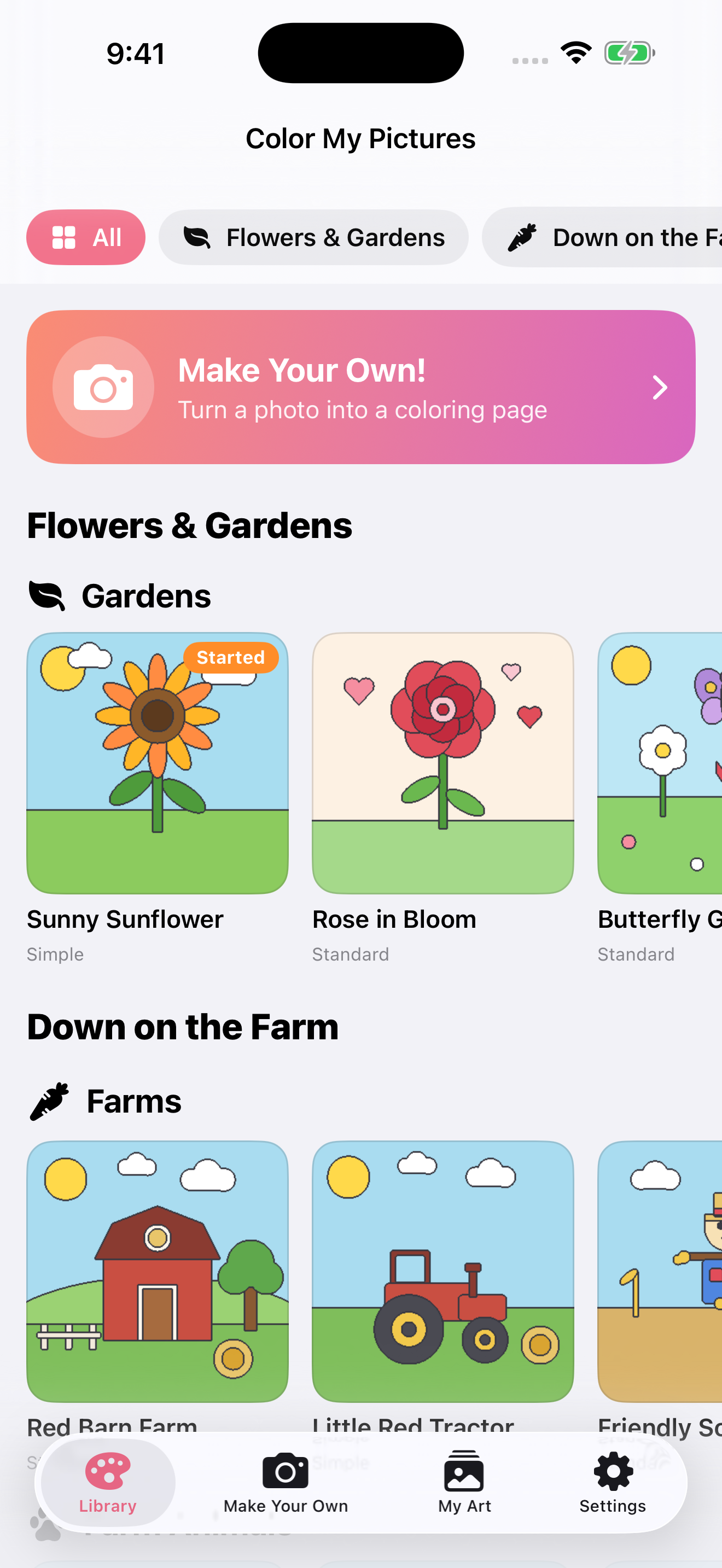
Color My Pictures works two ways — and both are just a tap away from the home screen.
Flowers & Gardens, Down on the Farm, Animals & Nature, Fantasy & Magic, and Things That Go — with Simple, Standard, and Detailed difficulty levels for every skill level.
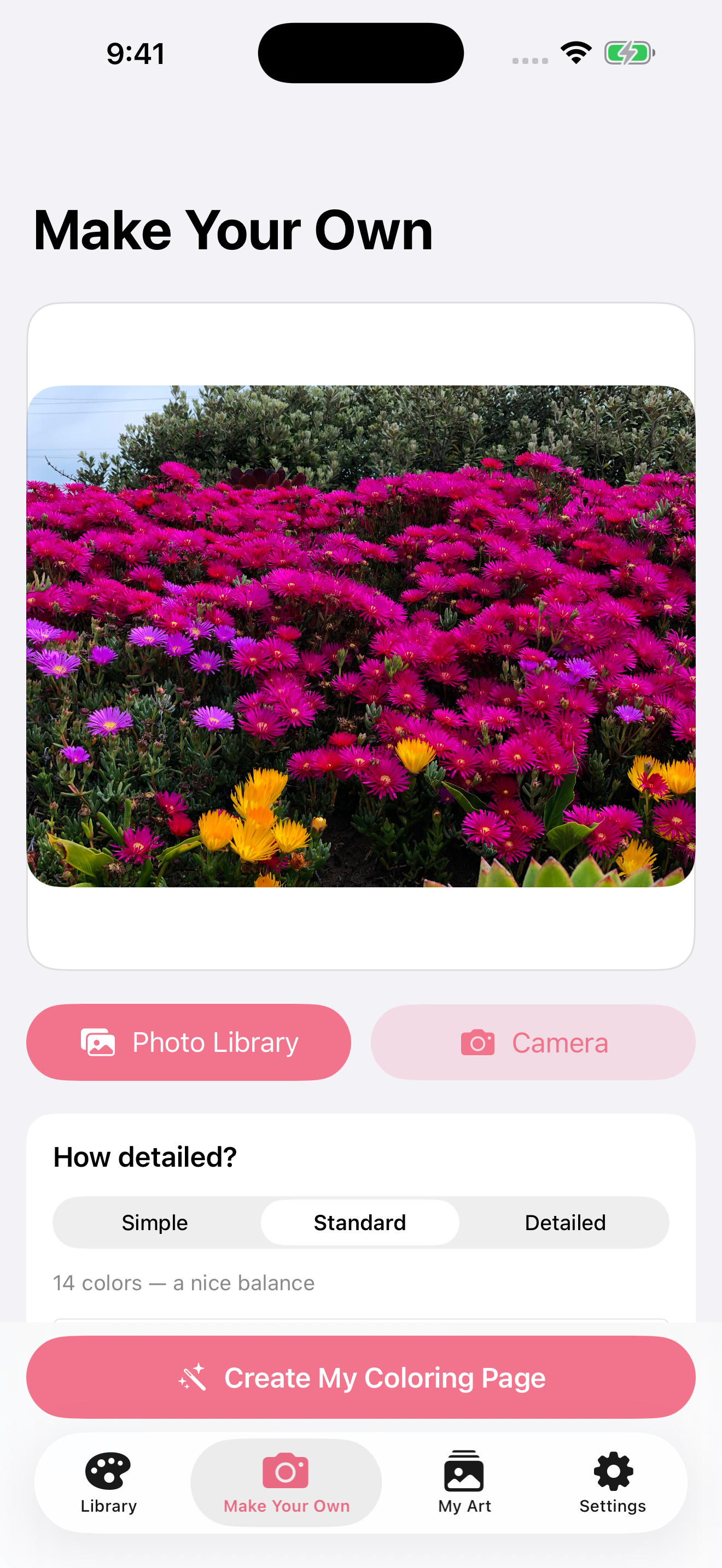
Pick from your photo library or take one with the camera. Choose your detail level. Tap Create — and your photo becomes a numbered coloring page in seconds.
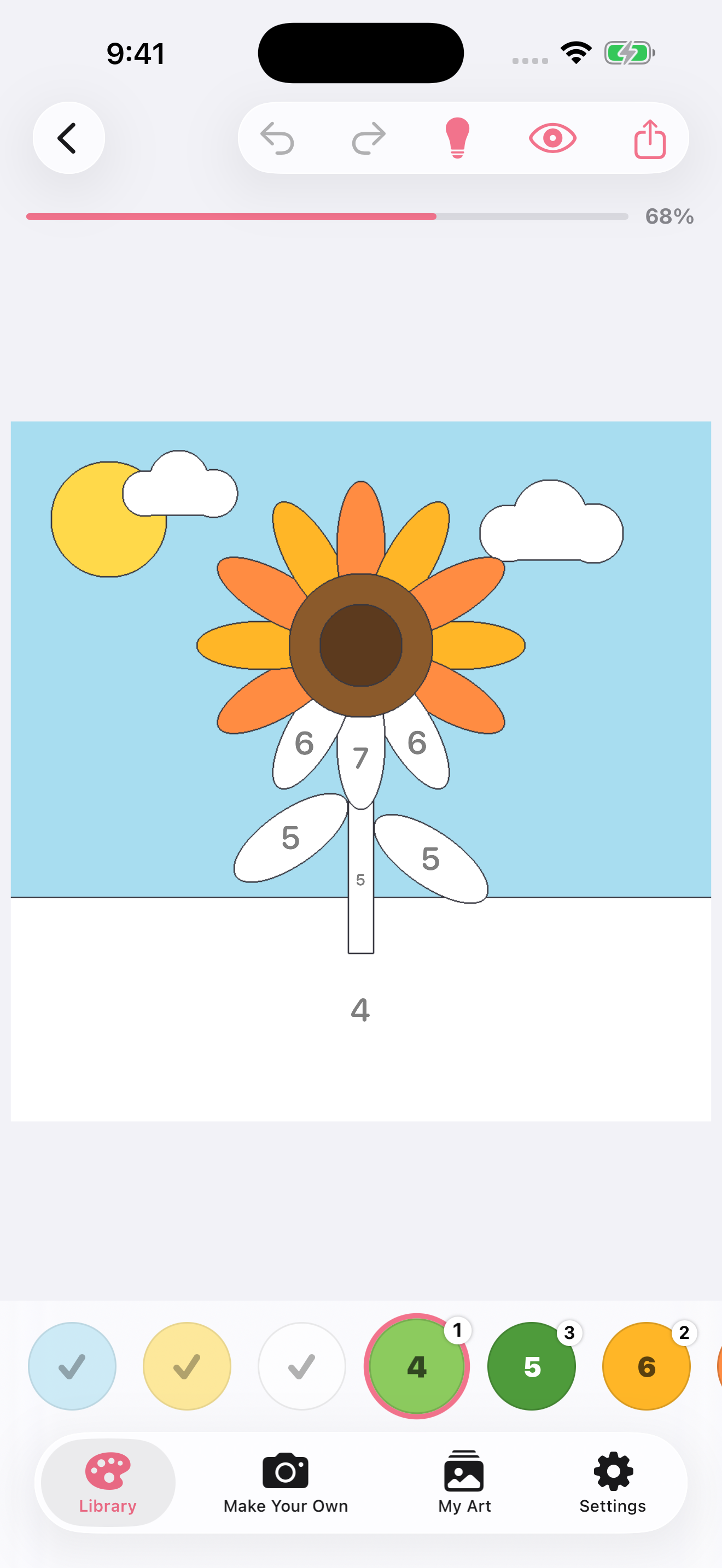
Tap a numbered region and watch it fill. The tools that matter are always within reach — and stay out of the way when you're in the zone.
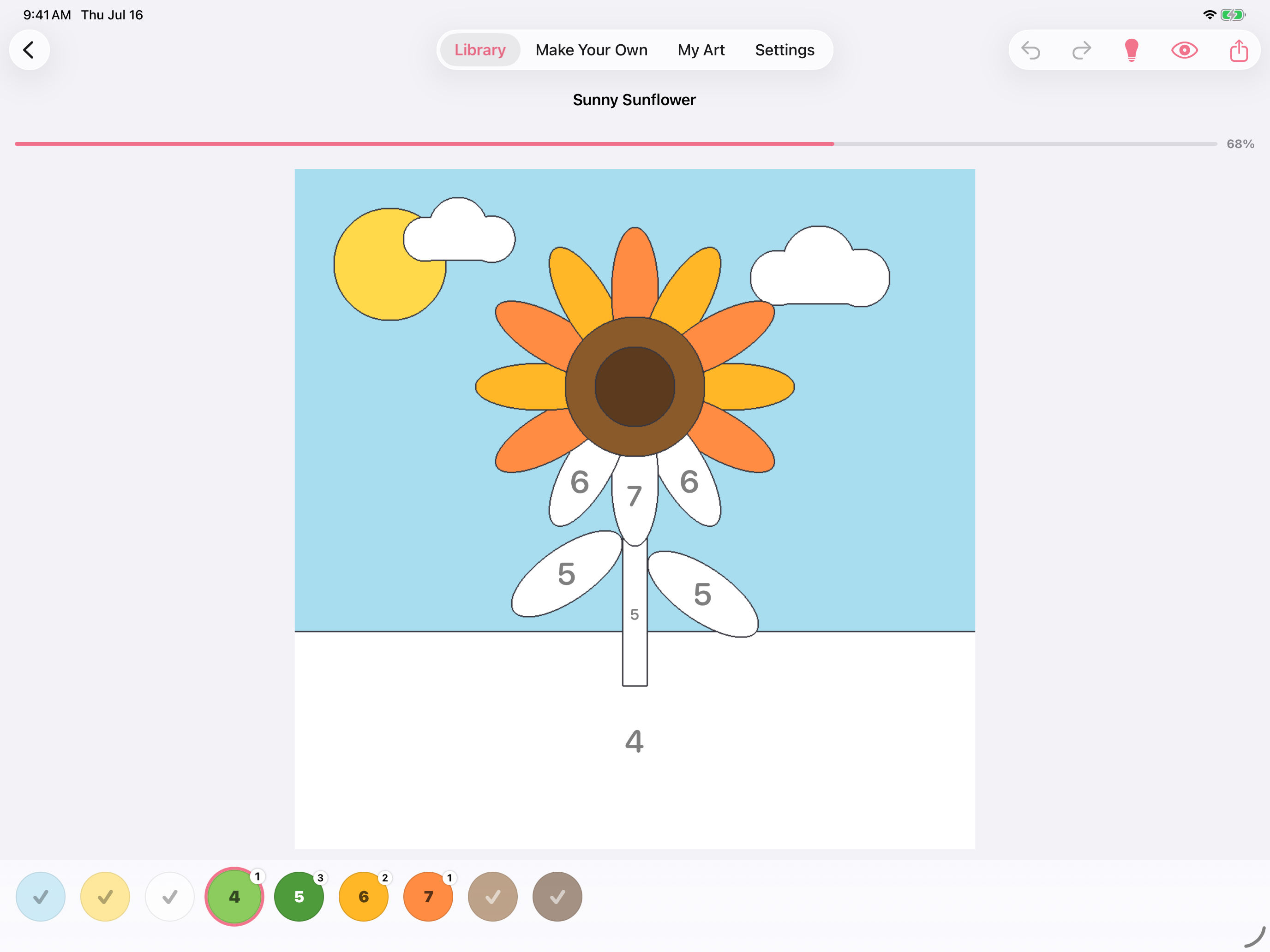
A coral bar across the top tracks your completion percentage. Watch it inch toward 100%.
Numbered swatches at the bottom show how many regions remain per color. Finished colors earn a checkmark.
Changed your mind? Undo instantly. Color fearlessly.
Tap the lightbulb to highlight the next unfilled region. Never get stuck.
See the fully colored reference image at any time — as a guide, a goal, or a spoiler.
Pick any photo. The app analyzes its colors, draws outlines, and assigns a number to every region — all on your device. No cloud required.
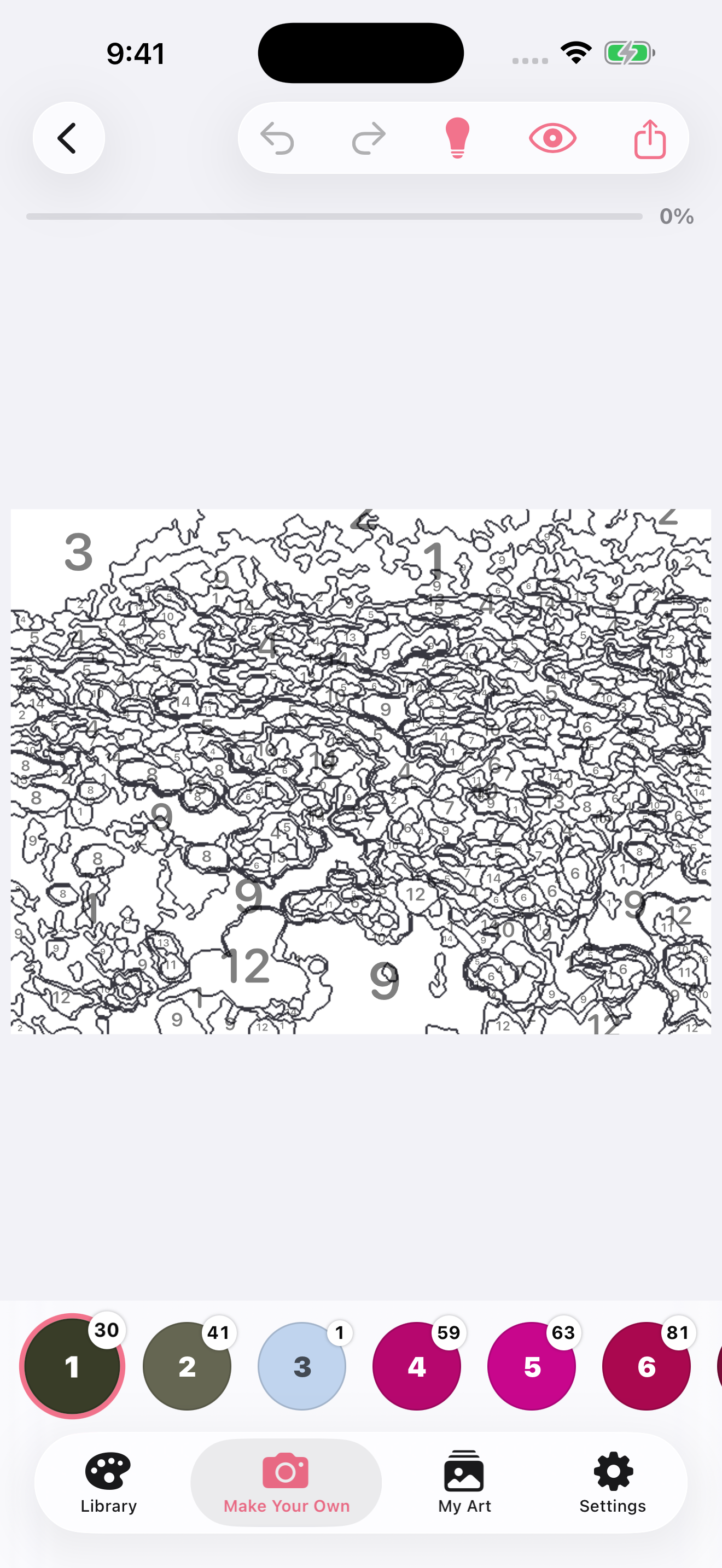
Simple is great for younger artists. Standard hits the sweet spot for most photos — 14 colors, a satisfying challenge. Detailed preserves more of the original image's nuance, with more regions and more colors.
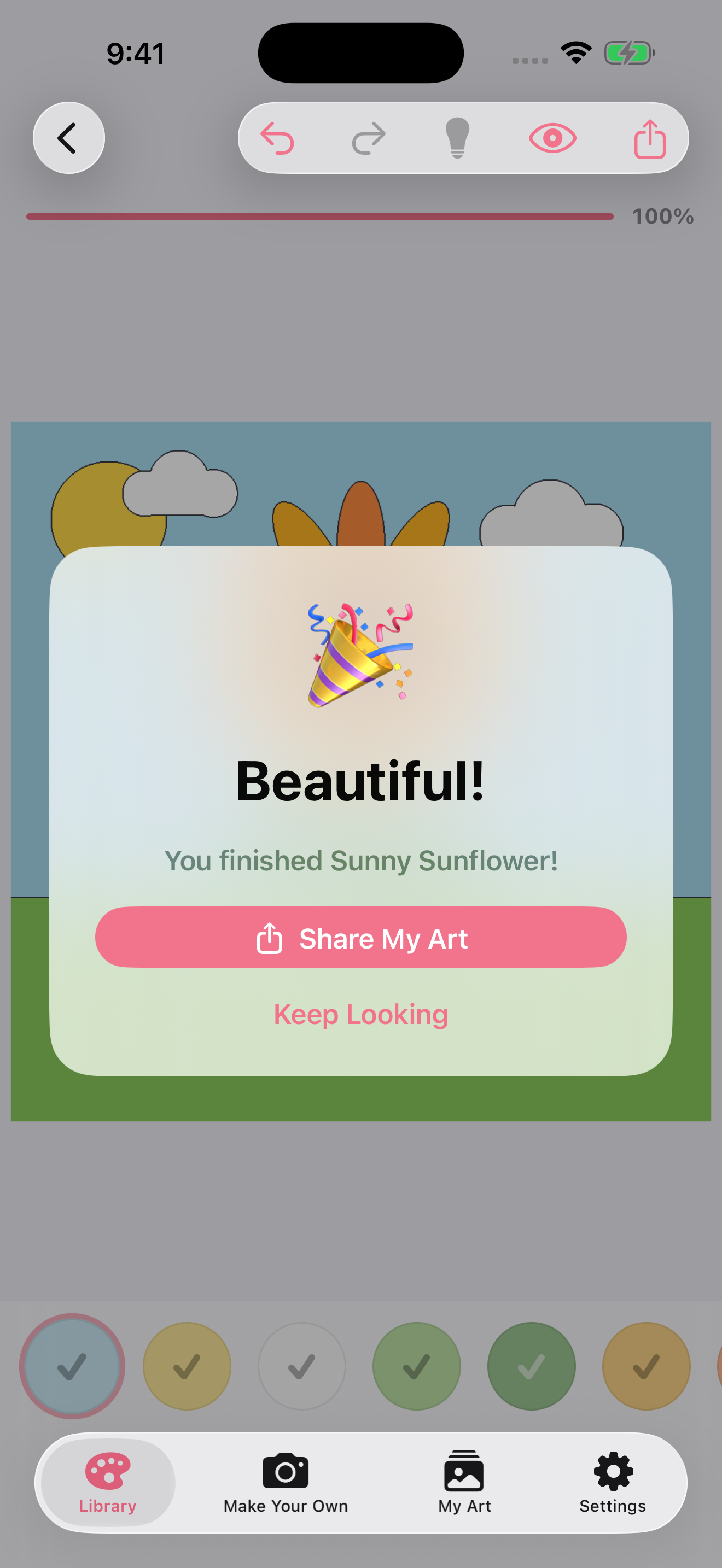
When the last numbered region fills in, Color My Pictures takes a beat to notice. Then it lets you share what you made.
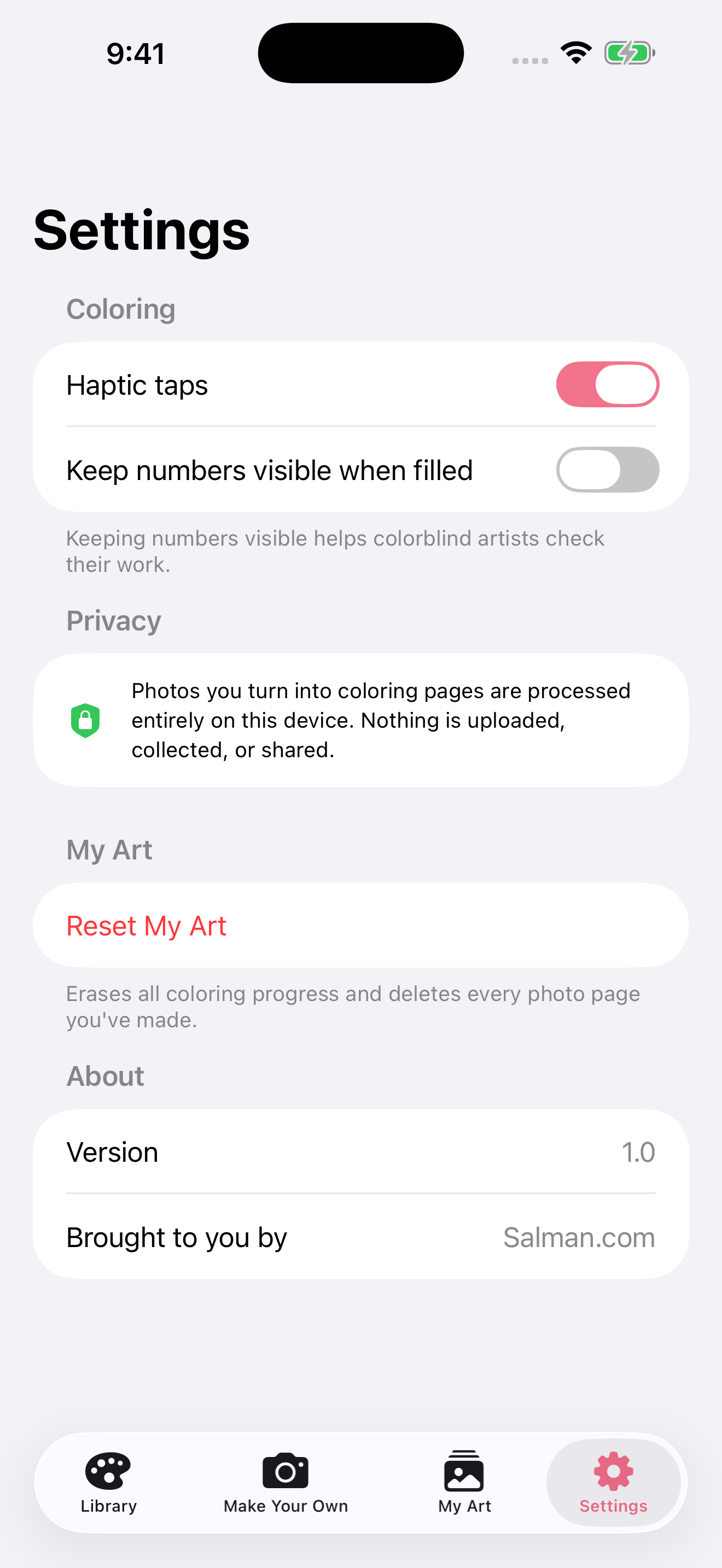
— From the app's Settings screen, not a footnote in a privacy policy.
On iPad, the coloring canvas fills the full landscape screen. More space means more detail, finer control, and a more satisfying experience from first tap to last.
Haptic taps are on by default. Every region you fill sends a gentle pulse through your iPhone — making the act of coloring more satisfying, one tap at a time.
Five themed categories, with Simple and Standard pages for beginners and Detailed pages for a longer challenge. New pages added over time.
Free to download. Works on iPhone and iPad.
iPhone · iPad · iPadOS · iOS 16+